Dashboard overview
A tour of the Cloud-PBS dashboard: the sidebar sections, the datastore detail tabs, and where to manage backups, tokens, notifications, billing and your account.
Last updated: July 22, 2026
The Cloud-PBS dashboard at app.cloud-pbs.com is your central hub for backups, datastores, notifications, your team and billing. This page is a map; each area links to its dedicated guide.
Sidebar
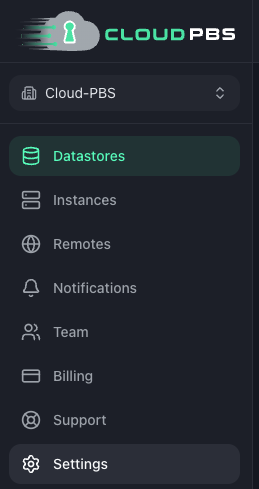
- Datastores: your managed Proxmox Backup Server storage (fixed-size and Pay-as-you-go). See create a datastore.
- Instances: dedicated PBS instances.
- Remotes: your own on-premise PBS servers, for monitoring and sync.
- Notifications: the notification center (received alerts) and channel settings.
- Team: members, roles and invitations. See team management.
- Billing: subscriptions, invoices, payment method and restore test credits.
- Support: open a ticket with our team.
- Settings: your profile and account security (password, 2FA).
At the top you also find the notification bell, the theme and language switches, and, if you belong to several organizations, the organization switcher.
The datastore detail page
Click a datastore to open it. The header shows its status, storage usage and lets you rename or extend it. Below, the work is split into tabs:
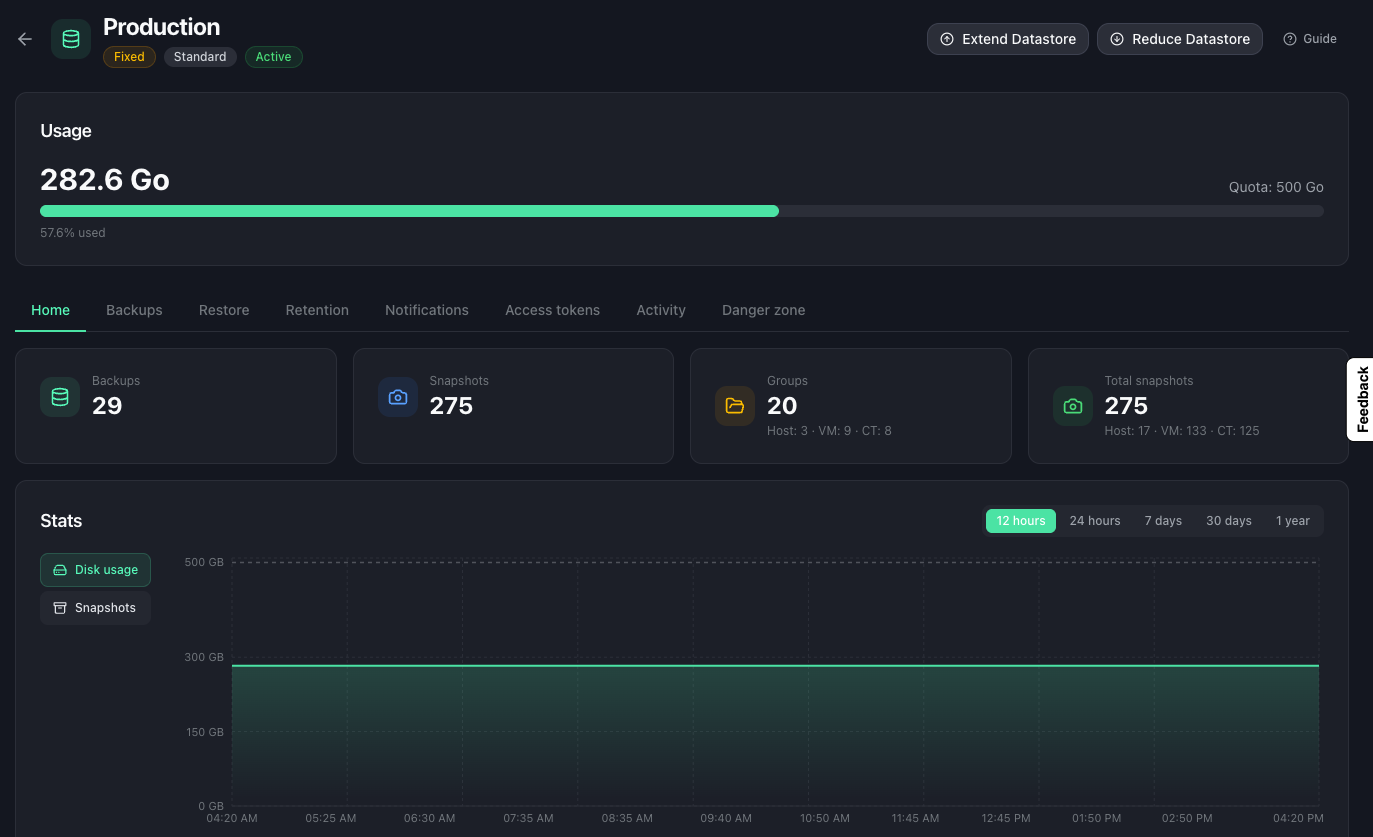
- Home: usage counters and charts (disk and snapshots over time).
- Backups: browse backups by namespace and group, manage snapshots and namespaces, and set per-group missing-backup supervision.
- Restore: run a restore test, manage the encryption key, and see results.
- Retention: the garbage collection, verification and prune schedule.
- Notifications: choose which events this datastore reports and their thresholds. See datastore notifications.
- Tokens: create and revoke API tokens to connect your Proxmox servers.
- Activity: the datastore’s recent PBS tasks.
- Danger zone: purge the datastore.
Where notifications are set
Channels (email and chat webhooks) are configured once under Notifications > Settings, then each datastore chooses what it sends from its own Notifications tab. See notification webhooks and datastore notifications.
New here?
Follow Get started with Cloud-PBS to go from a fresh datastore to your first backup.