Support tickets
Get help from the Cloud-PBS team: open a support ticket from the dashboard, follow the conversation, attach files, and close it when resolved.
Last updated: July 22, 2026
Need help or have a question? Open a support ticket from the dashboard. Everything stays in one place, with the full conversation history.
Open a ticket
Go to Support and create a ticket:
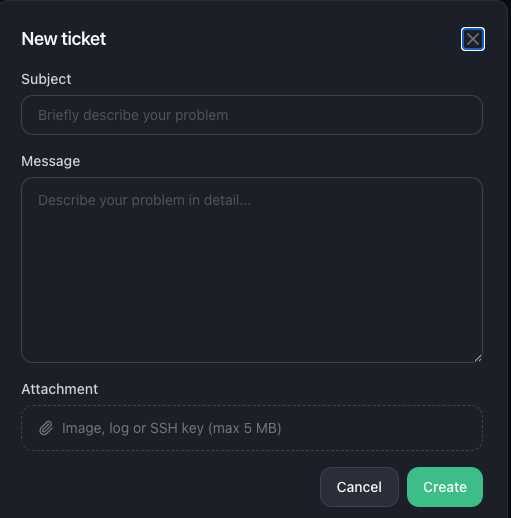
- A subject and a message describing your issue.
- An optional attachment (image, log or SSH key, up to 5 MB).
Follow a ticket
Open a ticket to see the full conversation between you and our team. You can:
- Reply to continue the exchange.
- Download any attachment shared in the thread.
- Close the ticket once your issue is resolved.
- Delete a ticket you no longer need.
Manage your tickets
The Support list shows all your tickets. You can switch between a detailed and a compact view, search them, and show or hide closed tickets.