Organize a datastore with namespaces
Use namespaces to organize a Cloud-PBS datastore hierarchically: create and delete namespaces from the dashboard, and target one when backing up from Proxmox VE.
Last updated: July 22, 2026
What namespaces are
Namespaces let you organize a datastore hierarchically, like folders inside it. Backups in one namespace are separated from those in another, which is handy when several servers or clients share the same datastore.
Create a namespace
From the dashboard, open your datastore and go to the Backups tab:
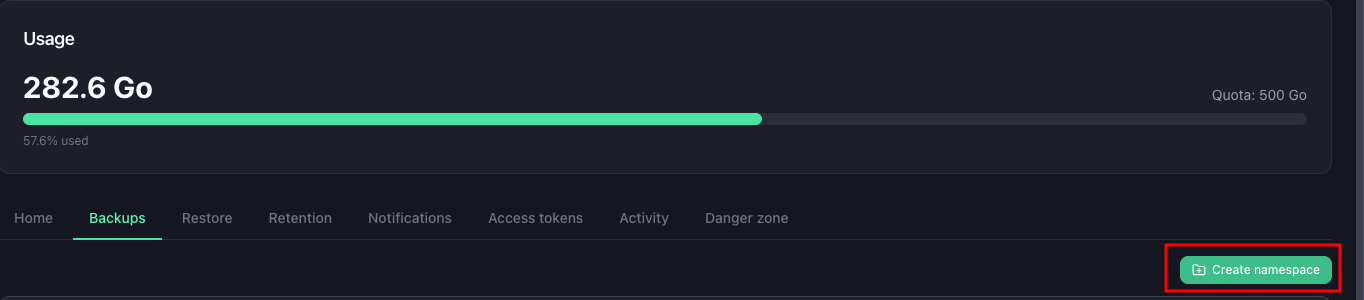
- Use Add namespace.
- Give it a name. You can also create a sub-namespace under an existing one to build a hierarchy.
The namespace appears in the backups tree straight away.
Back up into a namespace
To store backups in a specific namespace, set it when you add the Cloud-PBS storage on Proxmox VE (the Namespace field), or select it in the backup job. Backups then land in that namespace instead of the root. See Get started for connecting your datastore.
Delete a namespace
Still in the Backups tab, select the namespace and delete it. You confirm by typing its name, and you choose whether to also remove the backups it contains. Deleting a namespace does not affect the other namespaces of the datastore.