How to restore a single file on PVE
Last updated: June 24, 2025
TIP
You can now also download files directly from the Cloud-PBS dashboard, without going through Proxmox VE. See Browse backups and download files.
Introduction
As your backups are directly accessible from your Proxmox VE web interface, you can easily restore files.
Single file restoration is a different process than a full disk restore,
PVE Steps
Once your are connected on your Proxmox VE interface :
- On the left side select a Virtual machine or Container ⇒ Backup
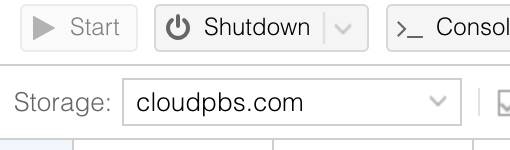
Take care to select the cloud-pbs.com storage in the top bar
-
Now you can select the backup you want to restore a file from and select File restore
-
Then you just have to browse the backup archive, find the file you want to restore and select Download
-
Your file is now available from your web browser and ready to use.