How to restore a single file
Last updated: June 24, 2025
Introduction
As your backups are directly accessible from your Proxmox VE web interface, you can easily restore files.
Single file restoration is a different process than a full disk restore,
PVE Steps
Once your are connected on your Proxmox VE interface :
- On the left side select a Virtual machine or Container ⇒ Backup
Take care to select the cloud-pbs.com storage in the top bar
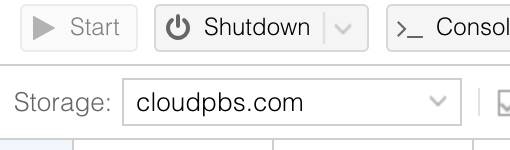
-
Now you can select the backup you want to restore a file from and select File restore
-
Then you just have to browse the backup archive, find the file you want to restore and select Download
-
Your file is now available from your web browser and ready to use.