How to restore a full disk
Last updated: June 24, 2025
Introduction
The full disk restore feature is different from the single file one.
While the single file restore feature allows you to download the file on your computer, the full disk restore involves a new virtual machine / container, and if the source exists, will override it
PVE Steps
Once your are connected on your Proxmox VE interface :
- On the left side select a Virtual machine or Container ⇒ Backup
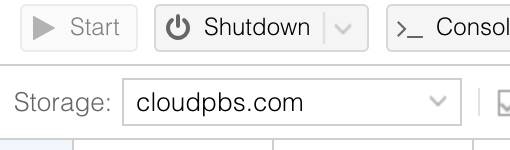
Take care to select the cloud-pbs.com storage in the top bar
-
Now you can select the backup you want to restore and select Restore
-
You can change the backup location where you want to restore and edit few settings like CPU or Memory
-
Then you just have to select Restore
You should really take care, if an existing virtual machine or container exists with the same id, it will be deleted.
- Your new virtual machine / container is now available and ready to serve.