Protect your backups against internal threats with Cloud-PBS
How Cloud-PBS protects your Proxmox backups from accidental deletion, insider threats, and compromised admin accounts.
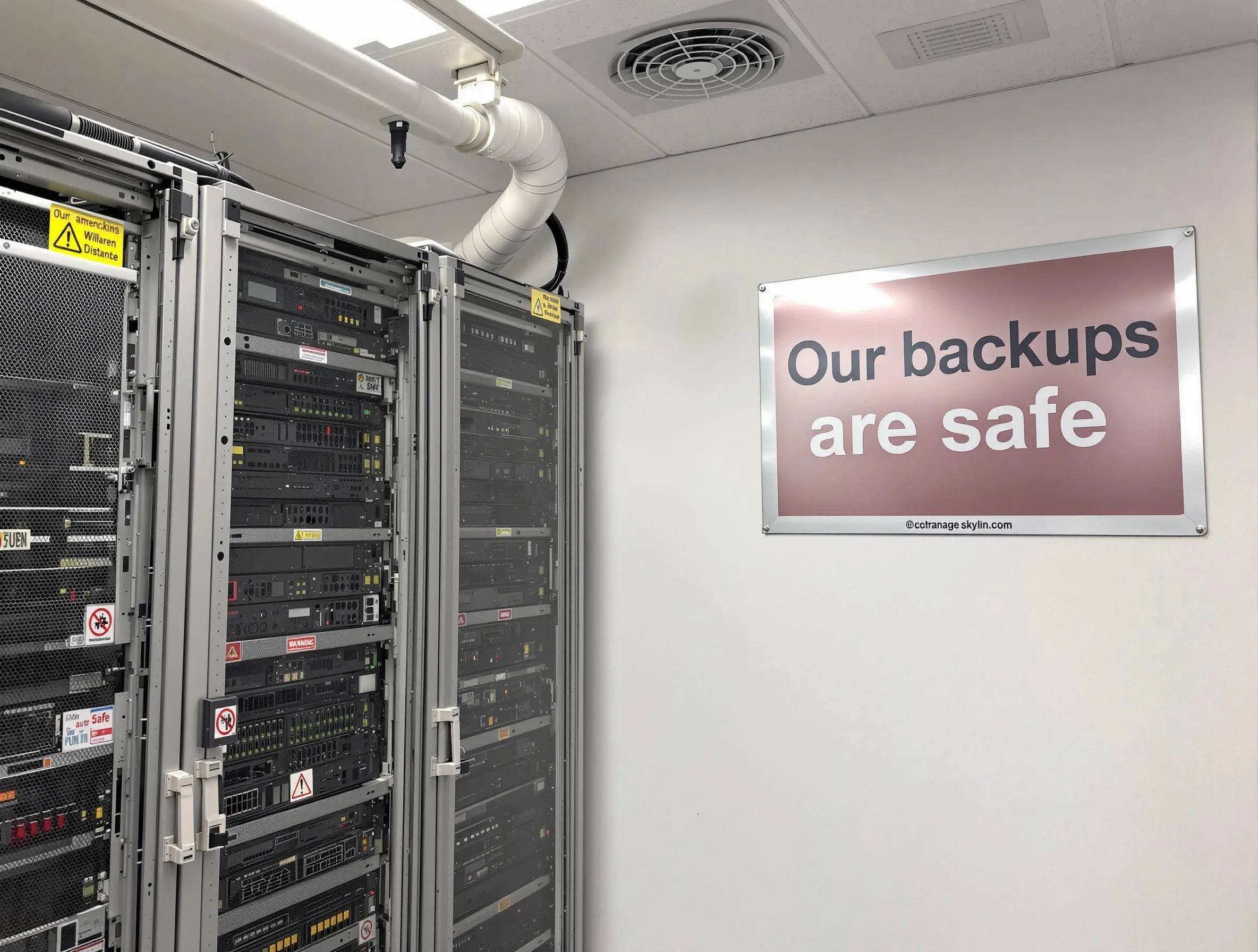
When we think about backup security, we often focus on external threats like ransomware. But some of the most common data loss scenarios come from within: accidental deletion, disgruntled employees, or compromised admin accounts.
The internal threat landscape
Accidental deletion
A simple rm -rf or a misconfigured cleanup script can delete critical backup data. If your backups are on the same infrastructure as your production servers, a mistake on one can affect the other.
Compromised admin accounts
If an attacker gains access to an admin account on your Proxmox cluster, they can delete both VMs and local backups. Without an off-site copy, recovery becomes impossible.
Insider threats
While rare, the risk of a malicious insider intentionally deleting data is real, especially during employee transitions.
How Cloud-PBS protects you
Physical separation
Your Cloud-PBS backups are stored in a separate datacenter, on infrastructure that is not directly accessible from your local network. An attacker who compromises your Proxmox servers cannot directly access your Cloud-PBS instance.
Independent authentication
Your Cloud-PBS instance uses separate credentials from your Proxmox cluster. Compromising one does not automatically grant access to the other.
Client-side encryption
With encryption enabled, even someone with access to your Cloud-PBS instance cannot read your backup data without the encryption key stored on your Proxmox servers.
Retention policies
Cloud-PBS applies retention policies that prevent premature deletion of backup snapshots. Even if someone tries to delete recent backups, older snapshots are preserved according to your policy.
Best practices
- Use separate credentials for your Cloud-PBS instance
- Enable client-side encryption for all backup jobs
- Store encryption keys securely and separately from your infrastructure
- Monitor backup status through the Cloud-PBS dashboard
- Test restores regularly to ensure backups are valid
Start protecting your backups
Create your Cloud-PBS account and add an off-site layer of protection to your Proxmox backup strategy.